
"QuickStats Notification" messages are sent 1 hour after you send a broadcast message, allowing you to see how your message is performing so far, and providing you with fast access to the QuickStats page for that broadcast.
Note: this feature is not accessible on the AWeber Free plan. Upgrade your account to unlock this feature and many more.
Further instructions: How do I upgrade my AWeber account from Free to Plus?
What Email Address Receives QuickStats Notifications?
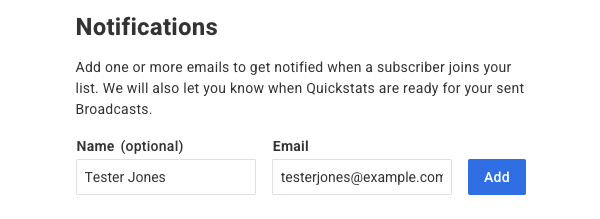
"QuickStats Notifications" are sent to the "Notifications" address that you have on file under the List Settings page. On the "List Settings" page, scroll down to the "Notifications" section, where you can see your current Notifications address, change it, or add a new one.
How Can I Choose Whether to Receive QuickStats Notifications for a Broadcast?
After you've created your message, click the "Schedule" button.
From the "Broadcast Settings" section, ensure the "Email me when message stats are available" option is checked. Note: This is checked by default.
