
If you would like to start a Workflow based on what form a subscriber uses to sign up, you can do so by adding a Tag to your Sign Up Form. This article will walk you through how to apply a tag to one of your Sign Up Forms.
Step By Step Instructions
-
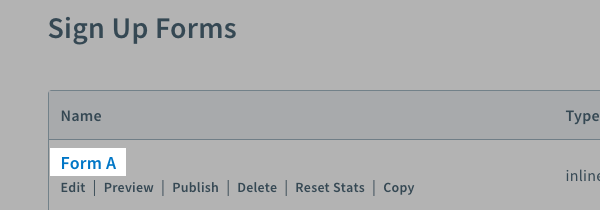
First, click on the "Sign Up Forms" tab in your account. Then, choose the form you would like to edit.
-
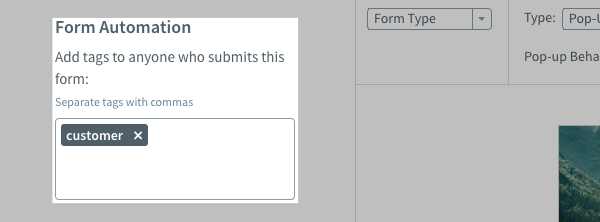
You can add any tags to the form in the "Form Automation" box on the left-hand side of the form builder.
Please note: You will be able to see these tags listed under the "Subscriber Information" section located in your "Subscribers" page.
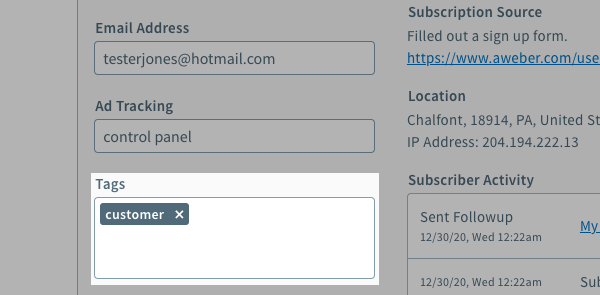
Congratulations! You've successfully added a tag to your subscriber after they signed up through a specific form.