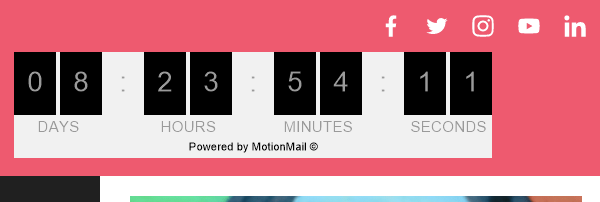
In this article, we are going to walk through the steps to add content from a countdown timer service into your landing page through the "Smart Content" element.
You can embed content from sources like Sendtric, Countdown Mail, Mailtimers, Promofeatures, and MotionMail. This can help create a sense of urgency and encourage visitors to act quickly for a special deal or product. The example below is through MotionMail. Please note: you can also add the countdown timer from MotionMail into your message.
Step By Step Instructions
-
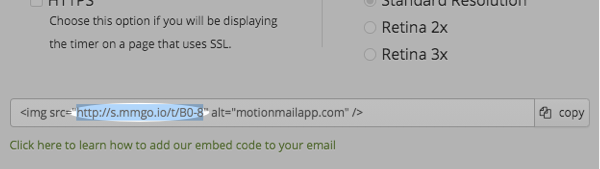
After you create your timer, copy the "img src" URL.
-
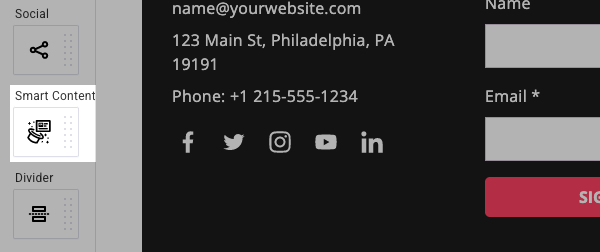
Then, click and drag the "Smart Content" element into your landing page.
-
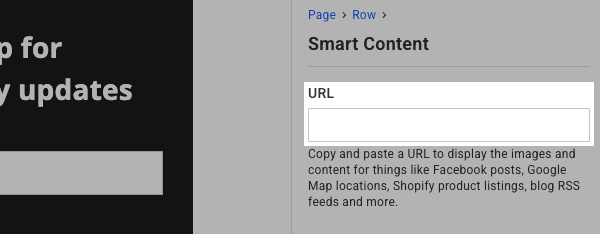
Paste the URL from your timer into the "URL" box.
And that's it! The countdown timer will now display within your landing page. You can click "Preview" to preview the page and the timer.