
When managing your subscribers with , you may need to search for subscribers who do not have a particular tag or any tags.
In this step-by-step guide, we'll walk you through the process of finding subscribers who haven't been tagged, or who don't have a specific tag.
Searching for Subscribers without a Particular Tag
-
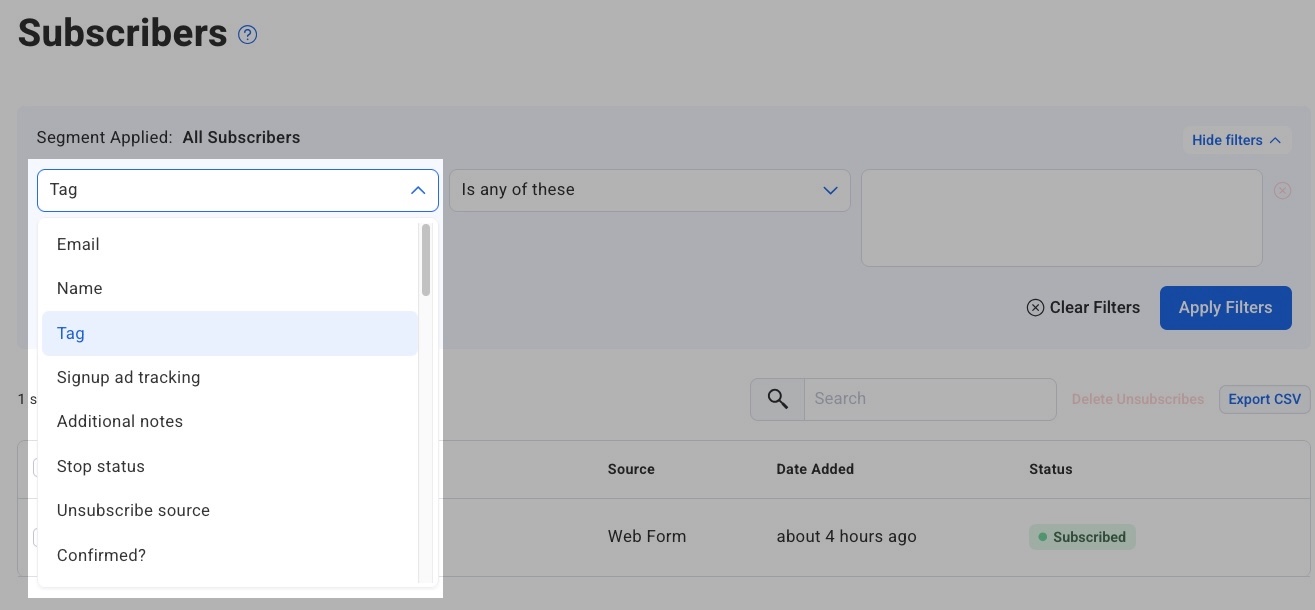
Go to the "Subscribers" page of your list and choose "Tag" from the filter dropdown menu.
-
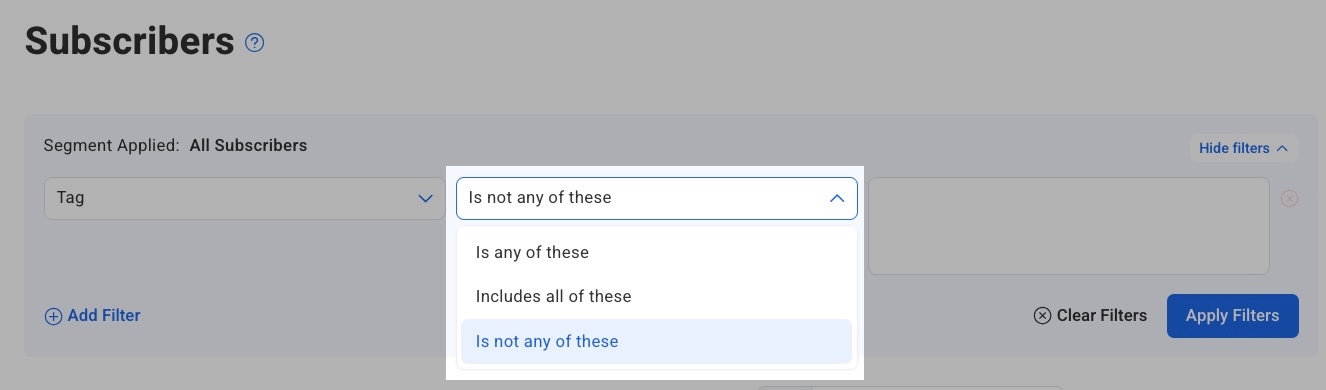
You will then select "is not" in the next field to search subscribers who do not have the tag.
-
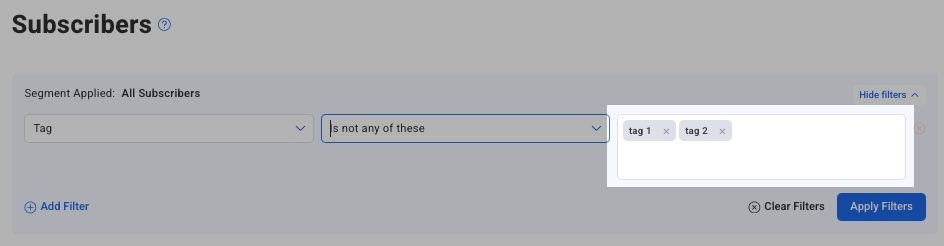
Enter the tag(s) you would like to exclude in the input field and search. Multiple tags can be entered and separated by commas (,).
4. Click “Apply Filters” to view the subscribers who match your search criteria.
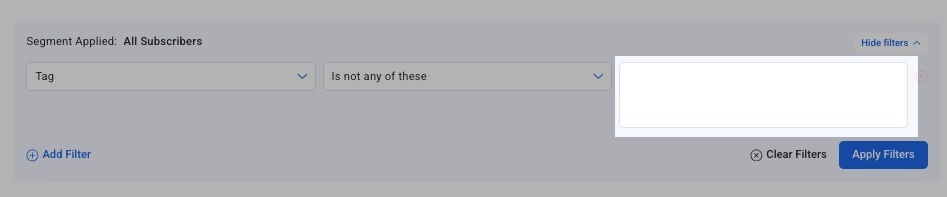
Note: To search for subscribers without any tags, simply leave the “tags” field blank after selecting “Tag > Is not any of these” and then click “Apply Filters”.
Congratulations! You've successfully created a segment of subscribers who do not a particular tag or any tags. The segment can be used to send targeted messages to your subscribers.