
A segment is a set of search criteria that has been saved for later use. When you search through your subscribers you can use various search criteria and create a segment from this.
Segments are useful for searches that you frequently perform, and for sending broadcast messages to groups of people within a given list in your account. Segments are dynamic, so as new subscribers meet the criteria of your segment, they will also be added to the segment.
Example:
Let's say that you have a newsletter about cars, and when people sign up they tell you what kind of car they have. You perform a search each week to see how many people have Toyotas.
Rather than manually setting that search criteria every week, if you create a segment, you can more easily display all of your subscribers who have Toyotas.

We also provide you with several pre-made segments, which are already stored in your account. These segments include:
-
Show All
-
Currently Subscribed
-
Unsubscribed
-
Undeliverable
-
Added Today
-
Added Since Yesterday
-
Added In The Past 7 Days
-
Added In The Past 30 Days
-
Added In The Last Year
Where Are My Segments Found?
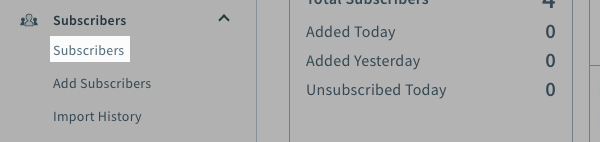
To use segments for searching, go to the "Subscribers" page in your account.
You will find them listed on the left side of the page underneath "By Segment" in the "Filters" section.

You can use send your broadcast messages to these segments using the "Send to Segment" box in any broadcast message, or you can make your own.