
The Newsletter Assistant will automatically understand your website and identify the products and services you sell. Then it will add natural promotions of those things into the emails it drafts for you.
If you want to give it direction to promote specific products, you can give it direction in just a few seconds.
-
Go to the Newsletter Assistant settings for your list.
-
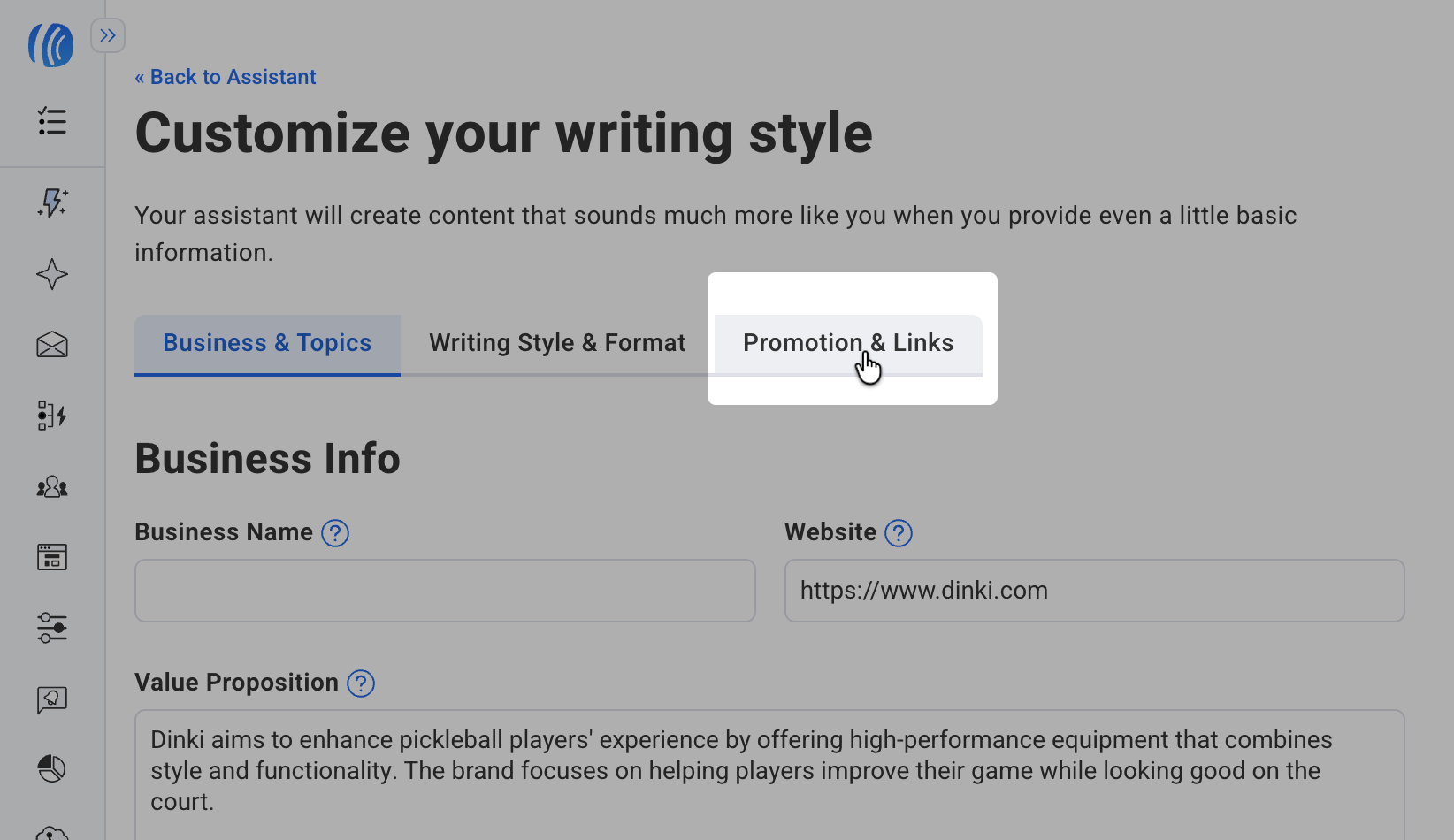
Click on the Promotion & Links tab.
-
Add links to the products you would like the Assistant to pull from to the Key Products or Services field.
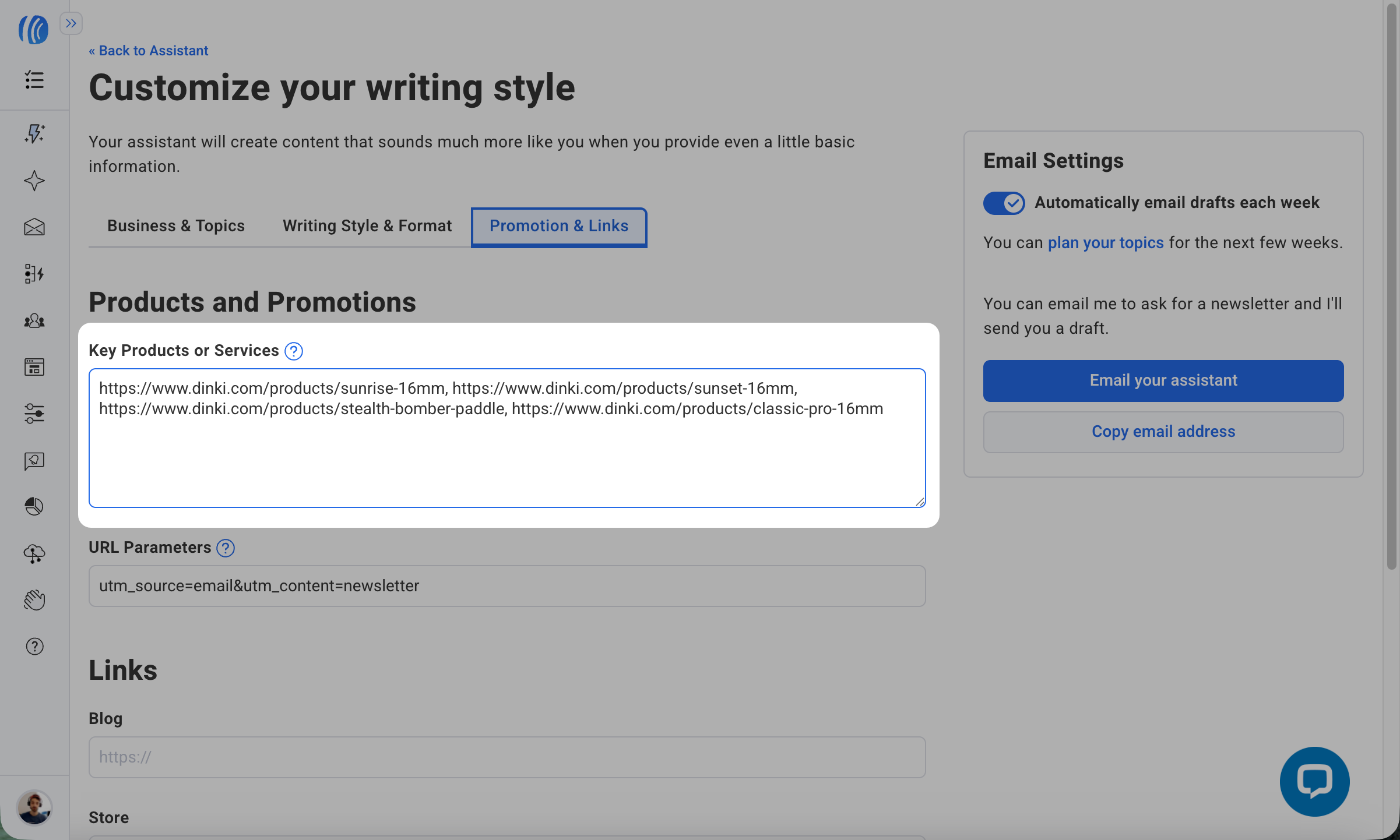
You do not need to add any additional information about the products. The Assistant is smart enough to understand the key benefits, price, and way you talk about your products.
If you want the Assistant to talk about a specific product in a specific way, you can add that direction in this same field.