
Your feedback was heard, and we've made improvements! Explore the new Messages screen for enhanced usability and more control at your fingertips.
Curious about the latest improvements?
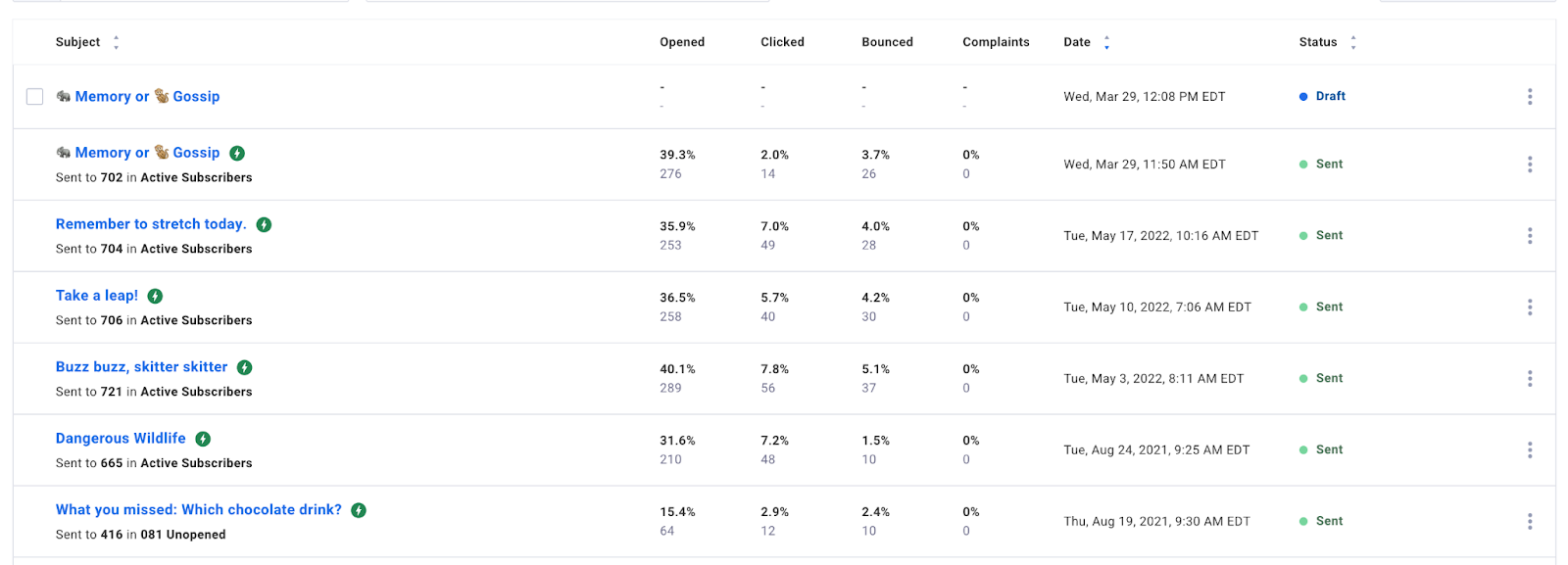
All in one place
Enjoy the ease of accessing your drafts, scheduled messages, and broadcasts all within a single, unified screen. Say goodbye to switching between multiple screens to stay up-to-date.
Introducing text searching for messages
Easily locate your drafts & broadcasts by their subject line or message status.

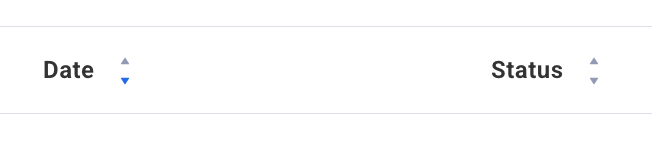
Effortlessly locate messages using sorting
Enjoy the flexibility to sort drafts & broadcasts by subject line, relevant date, or message status.
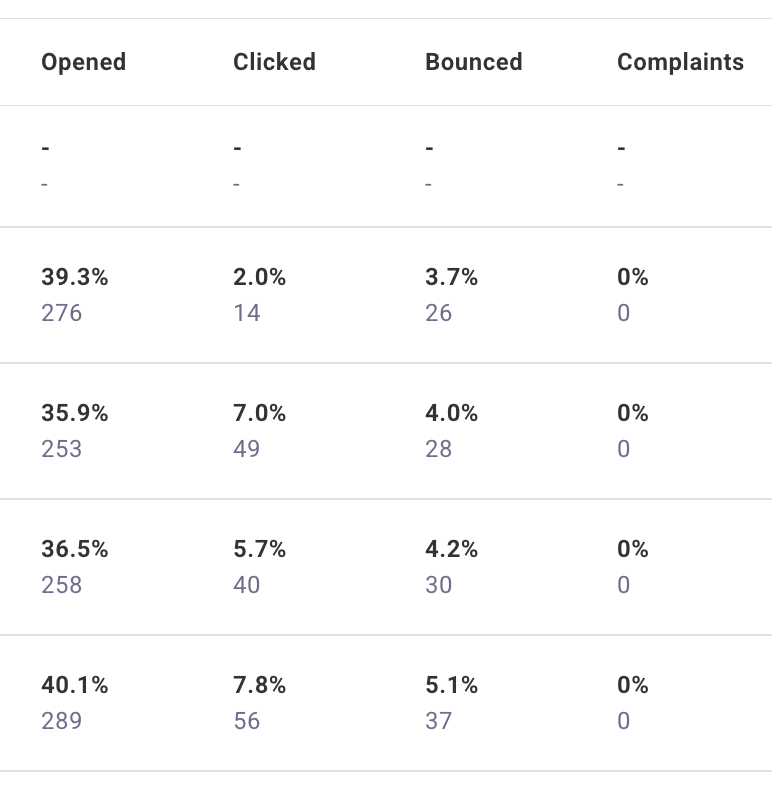
Enhanced overview with more information at a glance
View stats on opens, clicks, bounces, and complaints in both numbers and percentages simultaneously, without toggling between them.
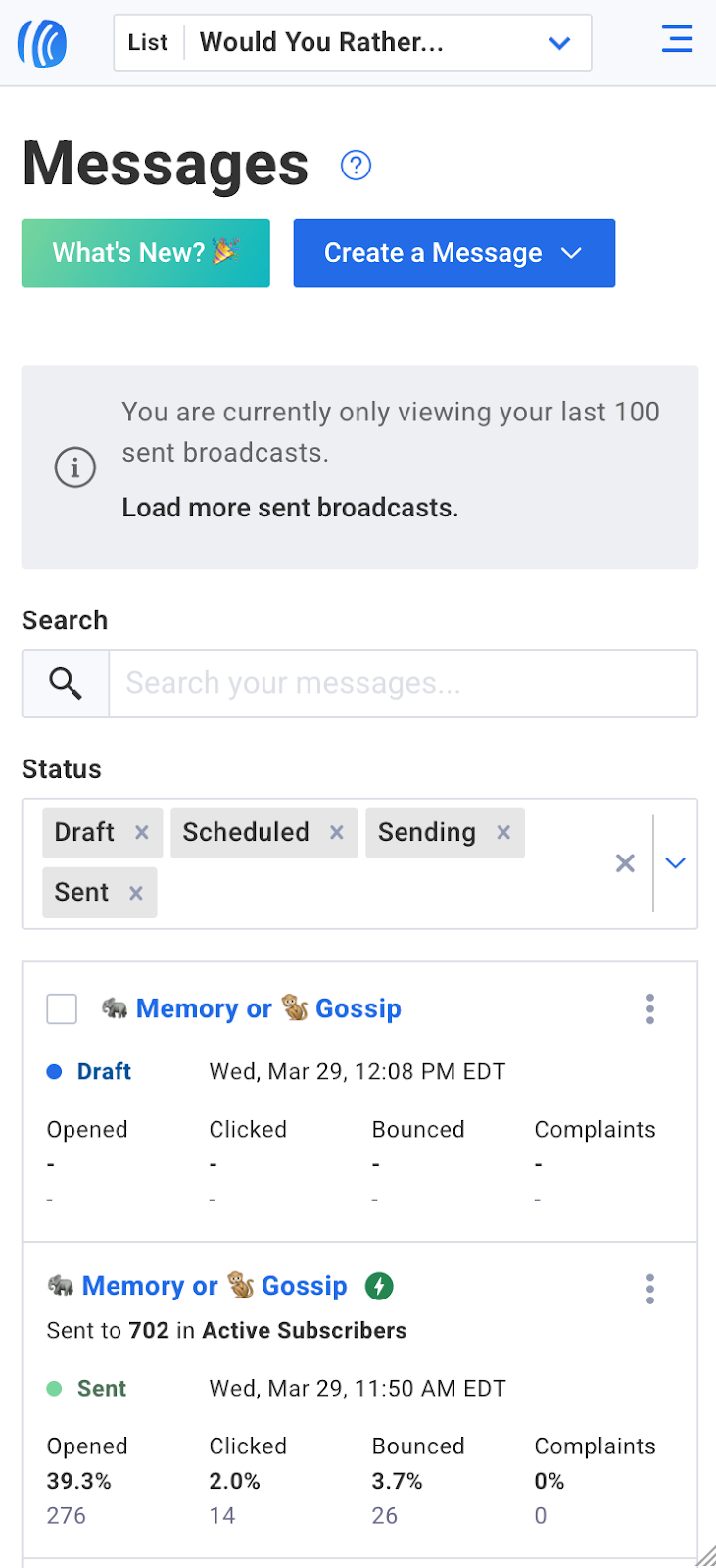
Seamlessly access this screen on any device
Enjoy a seamless experience on this screen across all devices, including desktops, tablets, and smartphones.
Experience more space and reduced clicks when scheduling
We've expanded the scheduling popup to cover the entire screen, now featuring a message preview. Additionally, we've streamlined the process by removing individual 'edit' and 'save' buttons, reducing the clicks needed to schedule a broadcast.
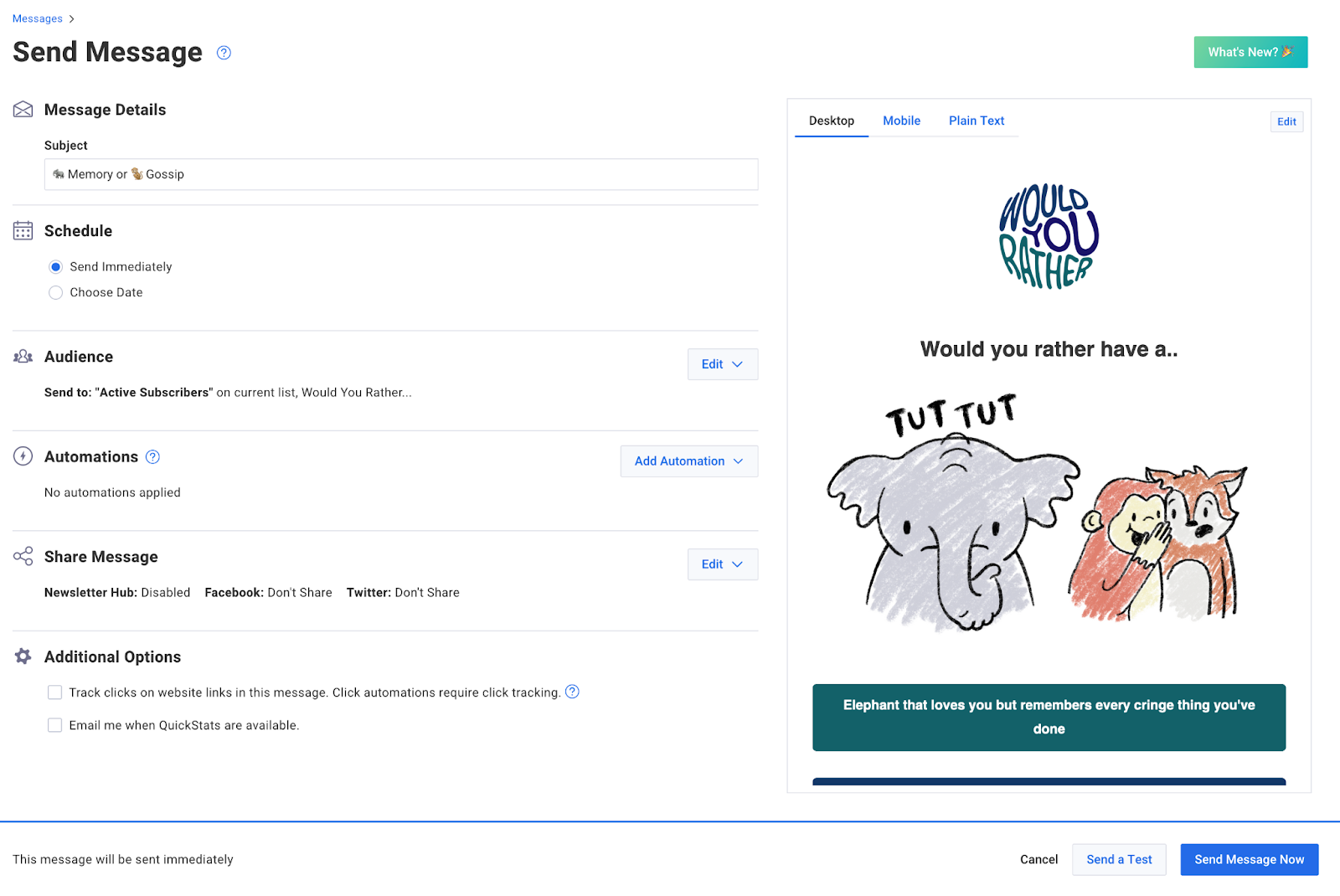
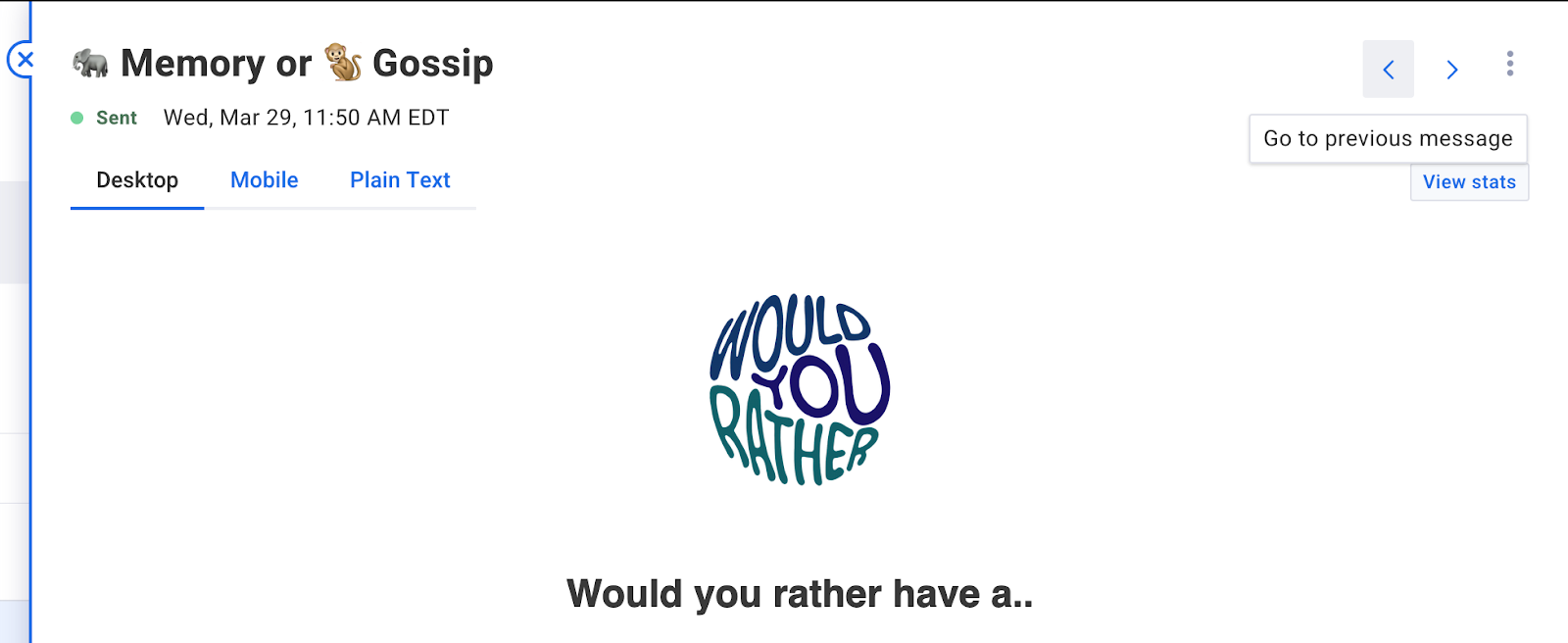
Preview your messages in both desktop and mobile formats
Instantly preview your message on both desktop/laptop computers and smartphones in one glance.
Share your thoughts
Don't miss the chance to provide feedback using the 'What's New?' button at the top of the screen. Let’s grow together.