Note: this feature is not accessible on AWeber Free. Upgrade to AWeber Plus to unlock this feature and many more within your account or by contacting our Customer Solutions team.
Split testing is a method of comparing two or more unique strategies for your messages in a controlled experiment.
Split testing is often used to test subject lines and message content across messages to help increase open rates and engagement. There are many benefits to running a split test for a message. This article will explain further why split testing is beneficial to your email marketing.
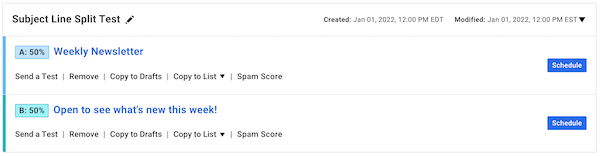
First, a subject line split test is one of the most common and most effective types of split tests. For instance, if you routinely send a newsletter to your subscribers with consistent subject lines such as Weekly Newsletter, you can perform a split test with your subject lines. You could use a subject line that indicates what the message will be about or one that has a call to action. Some examples include Open To See What's New This Week or Weekly Workout Tips And Tricks.
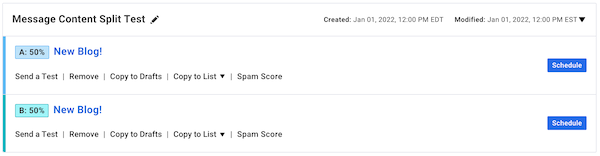
Another split test would be split testing message content. The objective of sending an email is to engage subscribers, drive sales, promote a business, or all of the above. If engagement is low, split testing message content is a great way to boost engagement!
The message content in the split test could be used to promote a downloadable ebook or drive subscribers to a landing page to purchase a product. Providing your customers with a call to action can drastically improve click through rates as well as sales. You can also split test message variables like adding a button or an image as opposed to a plain text message.
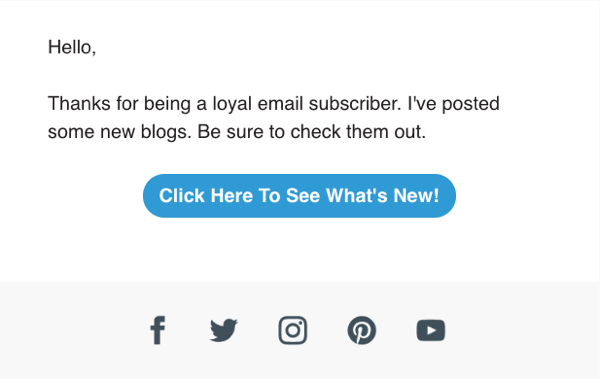
As compared to...
When split testing message content, the subject line of the messages can be the same. However, one message would contain an image or a call to action button while the other message would not.